FOREO Before You Buy 2026: App Unlocks, Warranty Fine Print and the 14-Day Rule
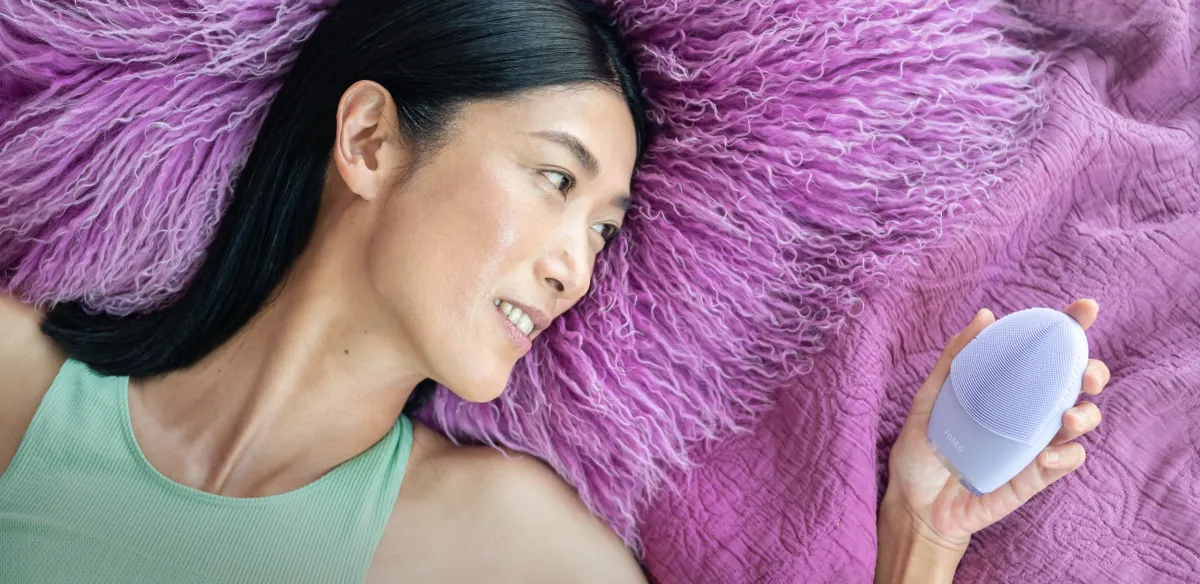
It's the morning after your birthday. The pastel box is open, the device is in your hand, and you press the button. Nothing. You press it again, longer this time. Still nothing. Is it broken? Dead on arrival? No. It's locked, and nobody told you it would need an app before its first cleanse.
That tiny surprise is exactly why this guide exists. Before you buy a FOREO for yourself or as a gift, there's fine print worth knowing: setup, charging, what's in the box, which parts you'll replace and what the warranty and return rules really say. GlowTrials went through FOREO's online manuals and support pages in October 2026 and answered the questions people usually ask too late.
Will It Work Straight Out of the Box?
Not always, and this is the biggest gotcha. According to FOREO's manuals:
- LUNA™ 4 and LUNA™ 4 mini need to be unlocked and registered in the FOREO For You app before first use. You add the device in the app, hold the power button to connect, and fill in the purchase details.
- LUNA™ 4 go arrives locked too, but no app is needed: hold the + and – buttons together for three seconds and the light flashes to confirm it's unlocked.
- FLIP™ plus, FOREO's LED detangling hairbrush, also has to be unlocked, which the manual says happens automatically when you register it in the app.
Gift tip: if you're wrapping a LUNA 4 or mini, add a note telling the recipient to download the app first.
What's in the Box?
| Device | Included, per FOREO's manual | Uses or time per charge |
|---|---|---|
| LUNA™ 4 | Device, USB cable, travel pouch | Up to 600 uses |
| LUNA™ 4 mini | Device, USB cable, travel pouch | Up to 500 uses |
| LUNA™ 4 go | Device, USB cable | Up to 300 uses |
| issa™ 4 | Toothbrush, USB charging cable, travel pouch | Up to 365 days |
| FLIP™ plus | Hairbrush, USB charging cable | Up to 2 hours of use |
None of these use a charging base. Each charges by USB, and FOREO describes the charging ports as sealed and waterproof.
How Long Does Charging Take?
If a LUNA 4 stops responding, FOREO's troubleshooting section says the battery is probably flat: recharge it with the USB cable for up to two hours, then restart it by holding the power button. The issa™ 4 needs about 2.5 hours when its indicator turns red. FOREO asks you not to charge the toothbrush for more than 24 hours, not to use it while charging and to make sure the port is free of water and toothpaste first.
Shop the FOREO Devices in This Guide
FOREO's site showed us non-US prices, so check the live US price before you buy.
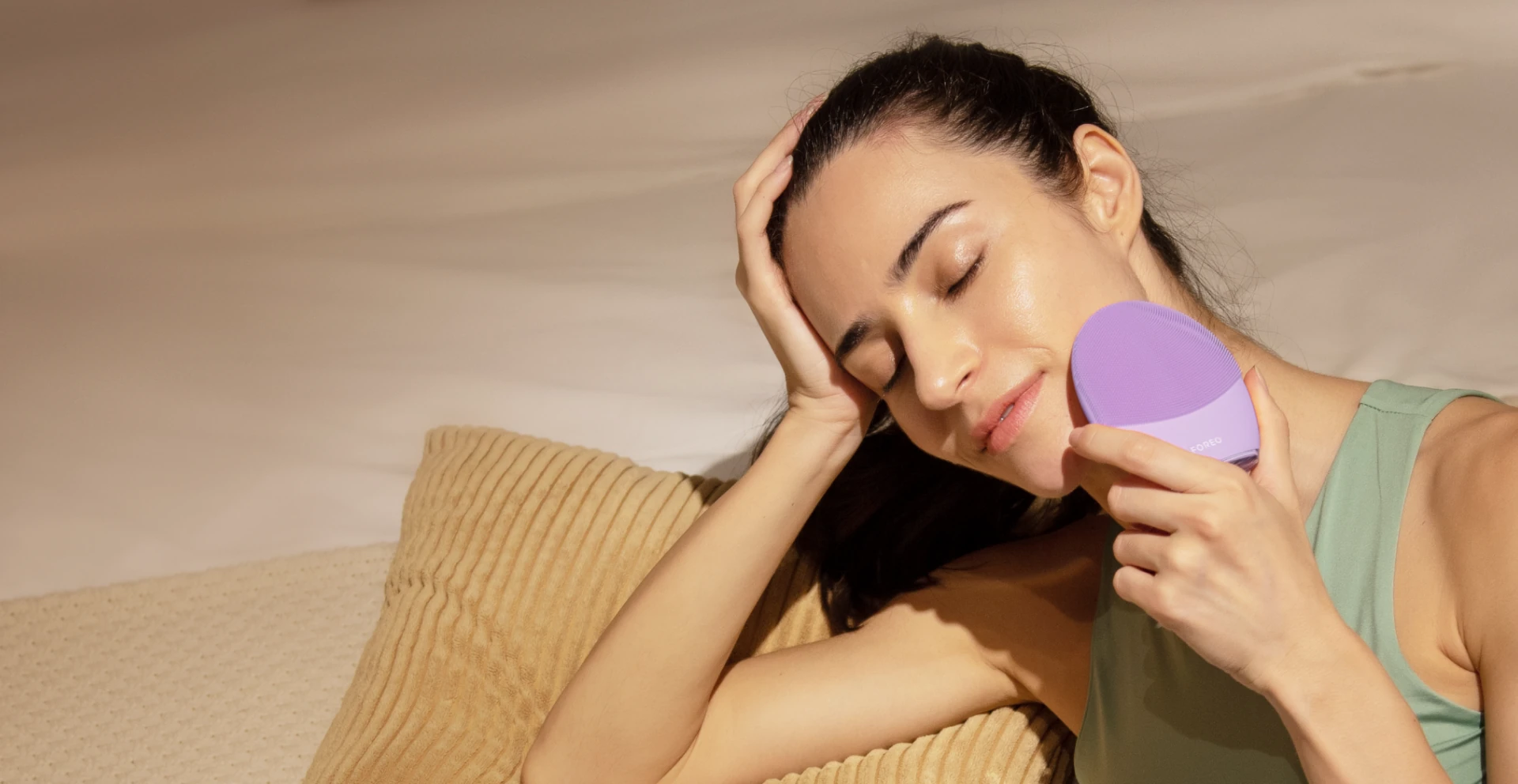


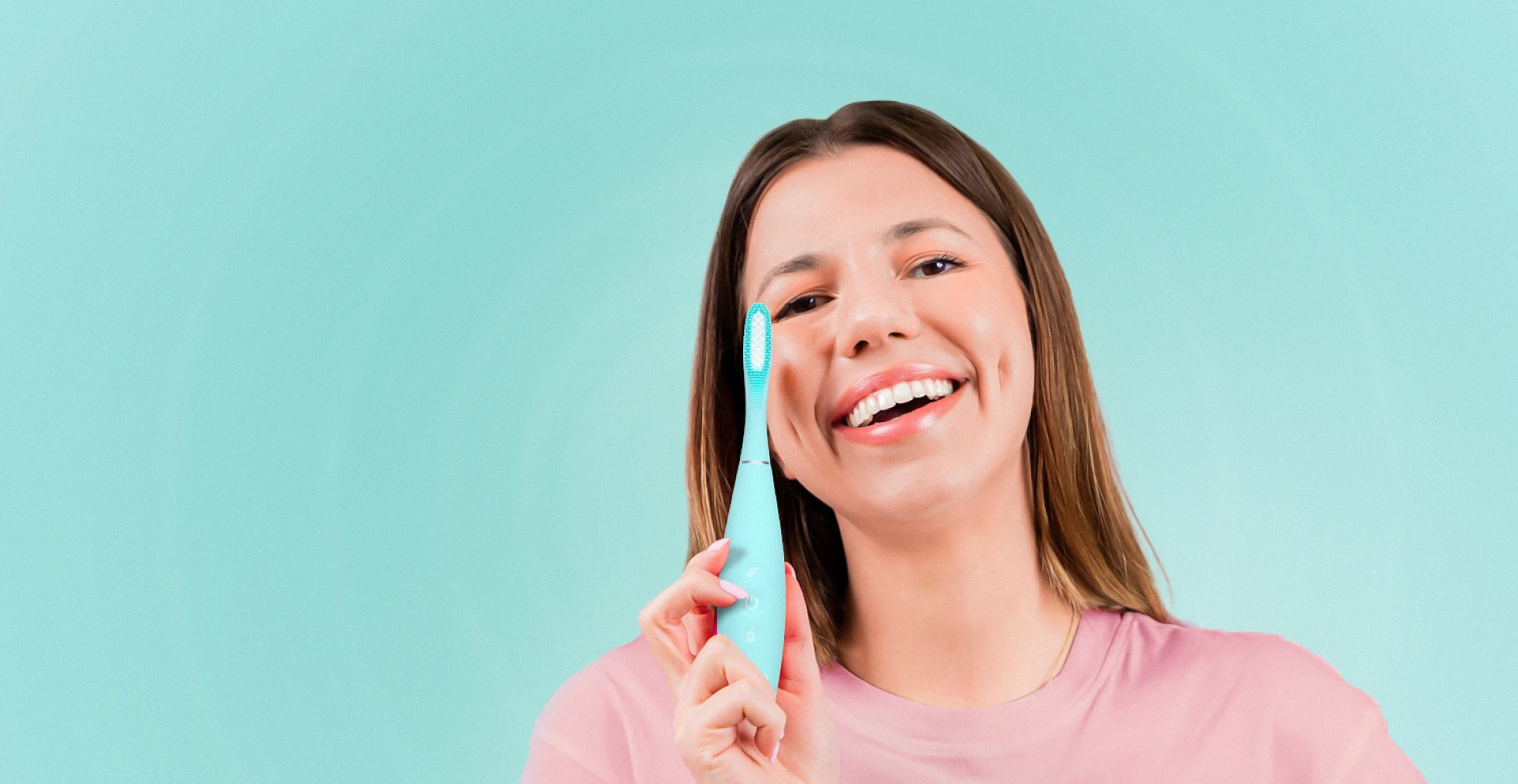
Prices change often; the brand's site always shows the current price.
Are There Ongoing Costs?
For LUNA, FOREO says no: the silicone devices need no replacement brush heads. The issa™ 4 is different. Its manual says Hybrid brush heads last up to six months and the 100% silicone Sensitive heads up to a year. Every issa™ brush head fits the issa™ 4, and you can order replacements in the app, on foreo.com or from authorized retailers.
What Does the Warranty Cover?
FOREO gives a two-year limited warranty from the original purchase date (three years in Spain, Portugal and Sweden) against defects in workmanship or materials from normal use. A few details are easy to miss:
- Register it. The warranty is activated by registering the number on the bottom of the device or its box in your FOREO account, or by scanning the barcode or pairing via Bluetooth on some models.
- Claim on the website, not the app. You log in on foreo.com, choose Warranty Claim and send a video showing the problem. FOREO says customer care replies by email within two business days.
- What's excluded: cosmetic wear and tear, accidents, misuse or neglect. Opening or taking the device apart voids the warranty, and shipping costs aren't refunded.
- Replacements aren't a fresh start. A replacement device doesn't get a renewed two-year term, and a discontinued limited edition may be replaced in a different color.
- Not covered at all: the play range, LUNA™ fofo and FOREO For EveryOne devices.
Can I Return It if I Change My Mind?
Only if you haven't opened it. FOREO accepts unopened products within 14 days of delivery for a full refund, and doesn't accept returns of products whose boxes have been opened or that have been used, with exceptions in some countries. For a gift, that means the recipient should decide before unwrapping the inner packaging.
Shipping, Taxes and Delivery
FOREO says prices on foreo.com include VAT for deliveries to the USA, so the number at checkout isn't padded by sales tax later. The expected delivery date appears when you order, and a tracking number is emailed once the parcel ships. The shipping-country menu showed a US delivery estimate two days out when we checked on October 19, 2026.
Are There Any Discounts?
- Welcome offer: the site's sign-up box reads "Join our community and get 15% off your first order!"
- Special Offers: a page of previous-generation devices FOREO says it isn't restocking. When we looked, it advertised the code SPECIAL for an extra 30% off. Our session was served a non-US storefront, so confirm it in your cart.
- Youth discount: the footer links a youth discount handled through a verification partner.
FOREO Before-You-Buy FAQ
Do I need a phone to use a LUNA 4?
For the first unlock, yes. LUNA™ 4 and 4 mini are unlocked and registered through the FOREO For You app. The LUNA™ 4 go unlocks with its own buttons.
How long can I use LUNA 4 per session?
FOREO recommends not using it for more than three minutes at a time. The app lets you set cleansing duration up to 240 seconds.
Can I share my device?
FOREO's manuals say it doesn't recommend sharing LUNA or issa devices, for hygiene reasons.
Why didn't you list US prices?
FOREO showed us a non-US currency, and we only print prices we can confirm in USD.
Our Verdict
FOREO devices are easy to live with once you know the rules: unlock in the app (except the LUNA 4 go), register for the two-year warranty, file any claims on the website and keep the box sealed until you're sure. The LUNA range has no heads to replace; the issa needs a new head every six to twelve months. Check our FOREO deals page before you order.
How we wrote this: GlowTrials researched FOREO using its official website, online manuals, support pages and published policies in October 2026. We haven't personally tested these devices, we don't repeat the brand's performance claims, and we don't invent ratings or discount codes. We may earn a commission if you buy through our links, at no extra cost to you.